 Catalogue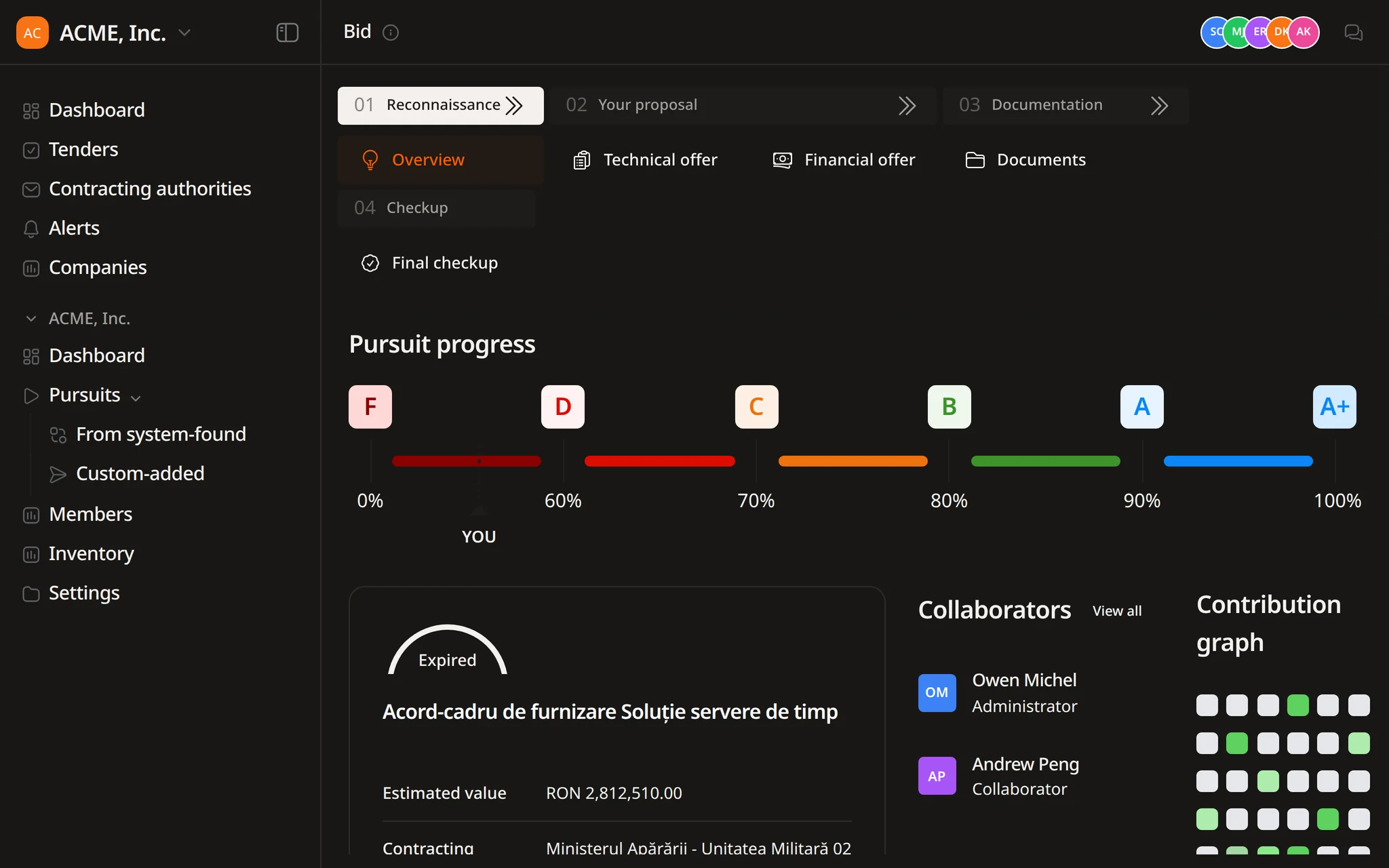
Product sheets from your catalogue
Flow creates product sheets from your template with the attributes in the catalogue, saves them as PDF and files them in the bid's documents.


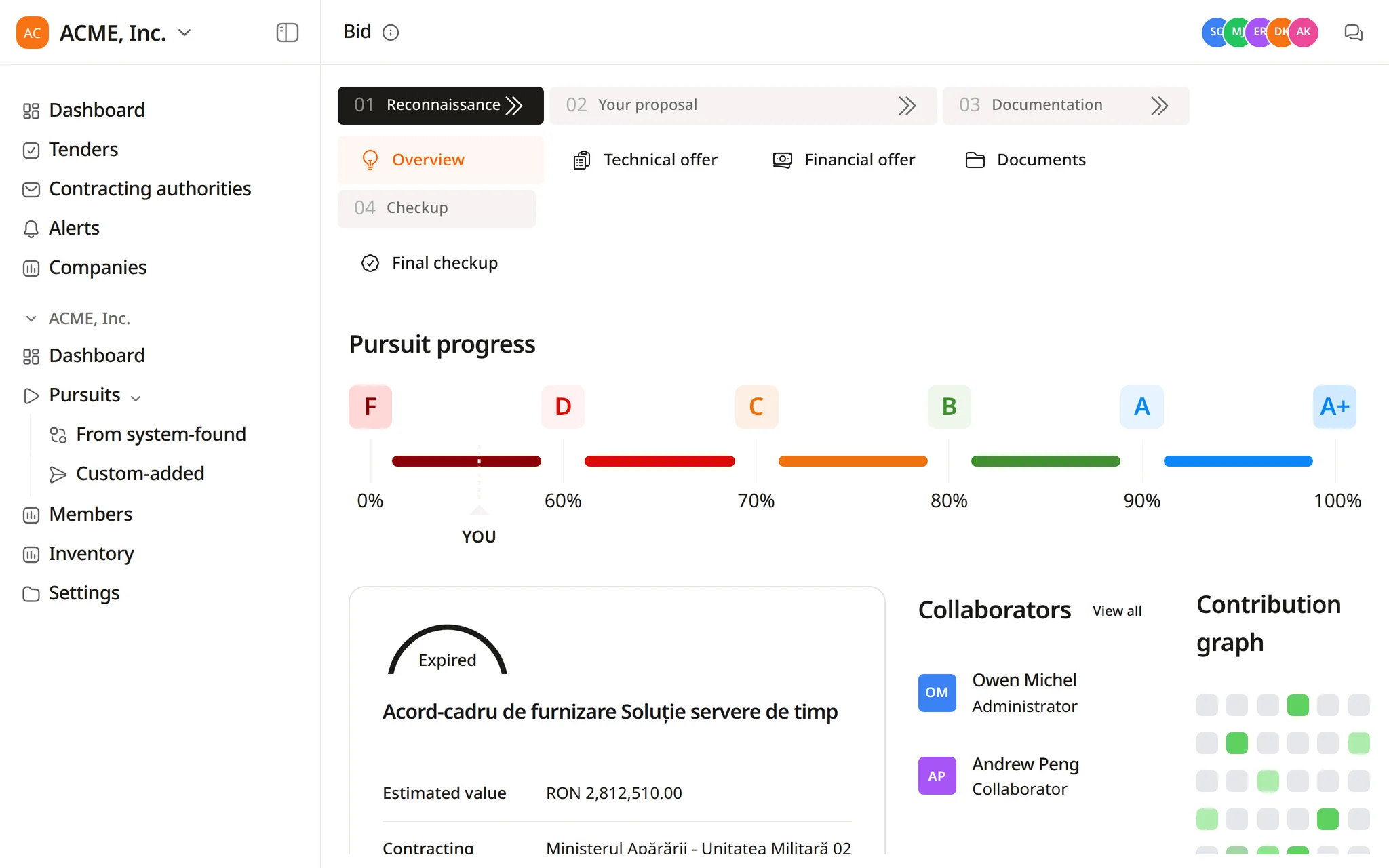
Find opportunities, choose which ones to pursue, prepare the response, and track the deadline.
Search notices, buyers, and CPV codes. Save useful searches and keep deadlines in view.
Improve text, translate it, remove sensitive details, or fill a template, then review each change in the same Word file.
Get notified when a relevant tender appears. Check the details, keep deadlines in view, and decide what needs attention next.
 Catalogue
Flow, the Tendersight agent, creates products from your exports, datasheets and manuals, then maps tender requirements to them.
Built from your own files
Matches cite the datasheet page
Product changes wait for approval
Every supply offer draws from the same product data.
Flow builds the catalogue from your files, matches it to the items a tender requests and prepares the offer from it. Your team confirms each change.
Long item lists, exact attributes and evidence for each claim, usually lot by lot.
Price schedules list each item with its quantity and unit, often hundreds per lot.
Sizes, materials and performance classes, each compared with what you supply.
EN ISO 20471, EN ISO 20345 or EN 388, requested per item with the certificate as proof.
Each answer in the technical offer has to point to the datasheet that supports it.
Some lots mix your range with products you would have to source and price.
Prices and specifications go into the buyer's own price schedule and technical forms.
From a CSV export to a financial offer. Each step is visible, and nothing changes in the catalogue or the offer without your approval.
Upload CSV or Excel exports, datasheets and manuals. Flow reads them and extracts each product's attributes.
The products, the linked datasheets and the gaps are set out in a confirmation card. Nothing is created until you approve.
Flow compares each requirement with your product attributes and answers with the datasheet page it relies on.
For each lot, Flow reports the items that match your products, the ones that need a quotation and the ones with no match.
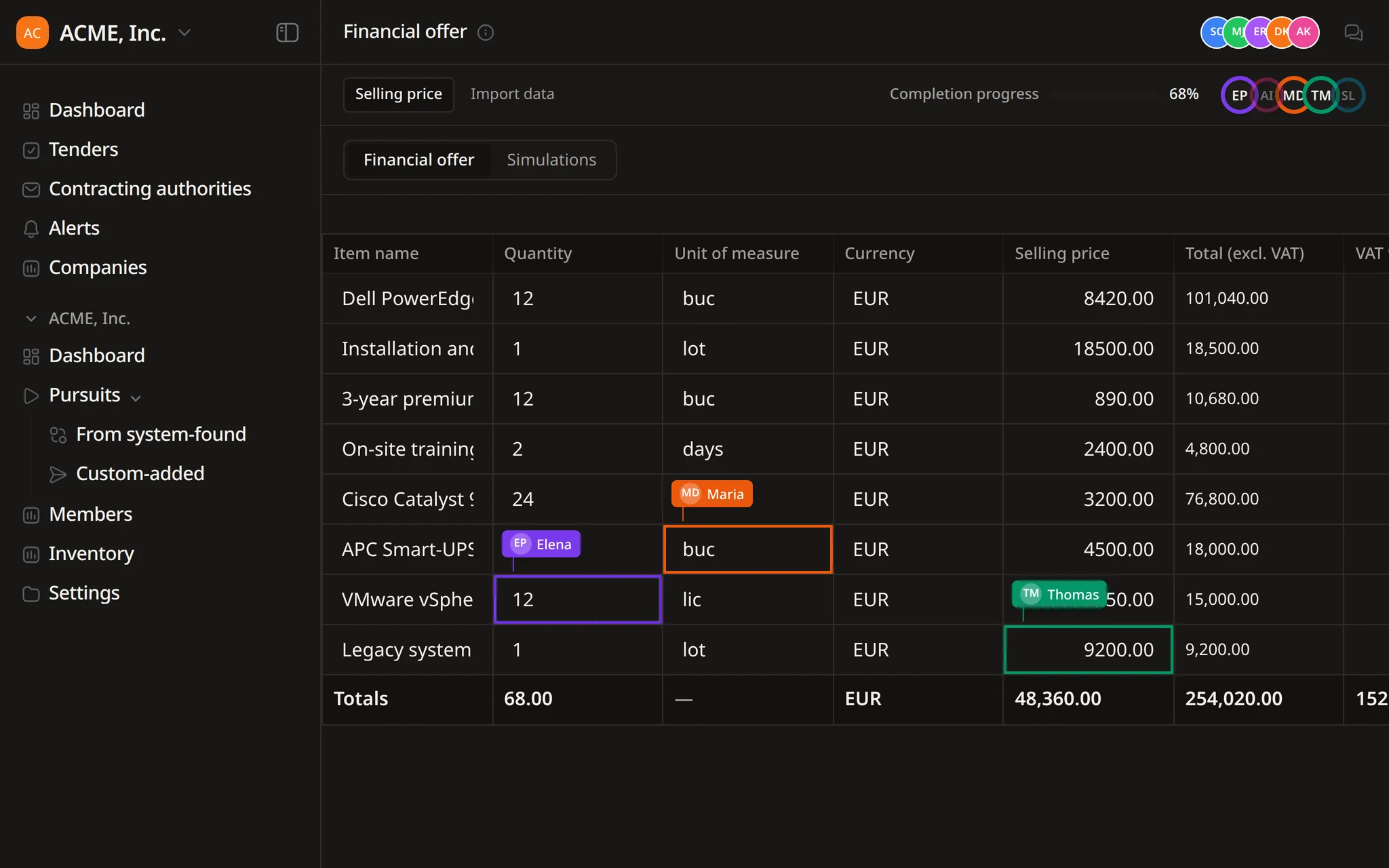
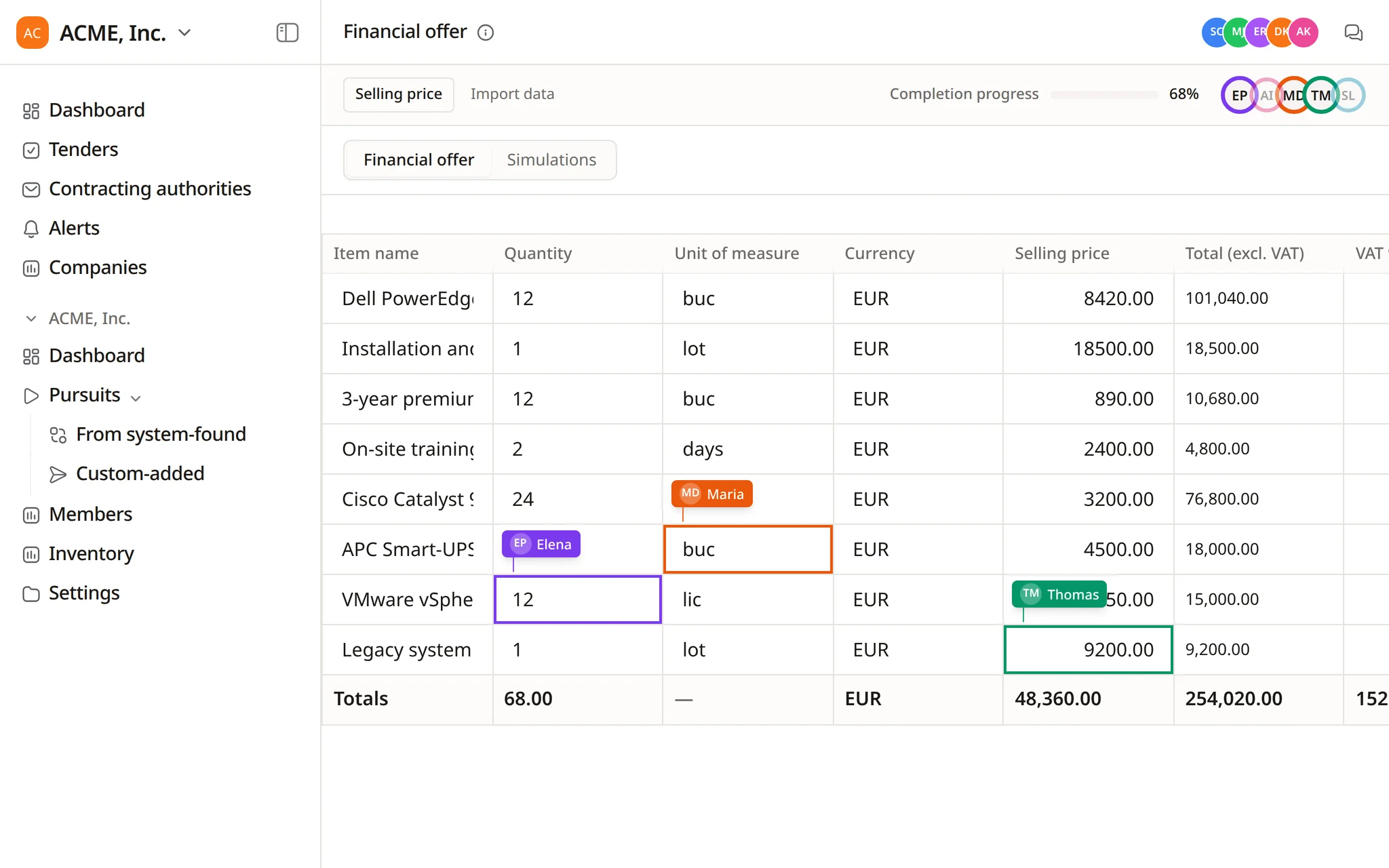
Catalogue prices and the quotations you choose become financial offer lines with a total. The offer changes only after your approval.
Examples of requests from suppliers of workwear, safety footwear and protective equipment.
Add our safety footwear price list and the datasheets in this folder to the catalogue.
Map the requirements of Lot 1 to our high-visibility range and show which attributes do not match.
List the products in this pursuit that have no EN ISO 20345 certificate in our files.
Create quotations for the unmapped items in Lot 2 and show the best matches.
Fill the authority's price schedule for Lot 1 with our catalogue prices and save a filled copy.
Every Monday at 07:00, compare the newest product export in Google Drive with the catalogue and list the changes.
Product sheets, current price lists, certificates and the requests that fill the gaps.
Flow creates product sheets from your template with the attributes in the catalogue, saves them as PDF and files them in the bid's documents.
Export products from your online shop or ERP as CSV. A scheduled task compares the latest export with the catalogue and lists what changed.
Products and attributes come from your exports, datasheets and manuals. Where a value is missing, Flow says so instead of guessing.
The documents every offer needs stay in one place. Flow reads them when it answers requirements, and a finished conversation can become a team skill.
When a certificate is missing, Flow drafts the request to the manufacturer. It opens in your email client for your team to send.
In a demo Flow builds part of your catalogue from your files and matches it to the items of an open supply tender.
Flow uses the catalogue when it maps requirements and prepares the financial offer in a pursuit.
From files your team provides: CSV or Excel exports, datasheets and user manuals in PDF, XLSX, XLS or CSV. Flow extracts the products and their attributes and creates them after you confirm.
Automatic attribute mapping compares each requirement with your product attributes. Each match points to the datasheet page it relies on, and where a value is missing Flow says so.
For supply tenders Flow generates quotations from web research, each saved with its sources, and matches them to the requested items. Your team chooses which quotation to apply.
Flow updates products when you ask, after your confirmation. A scheduled task can also compare a new export, for example in Google Drive, with the catalogue and list what changed.
Your team. Changes to products and to the financial offer wait for approval, files are marked internal working or external submission, and the final review and submission stay with you.
Start free and ask Flow to import your first product export.