 Alert rules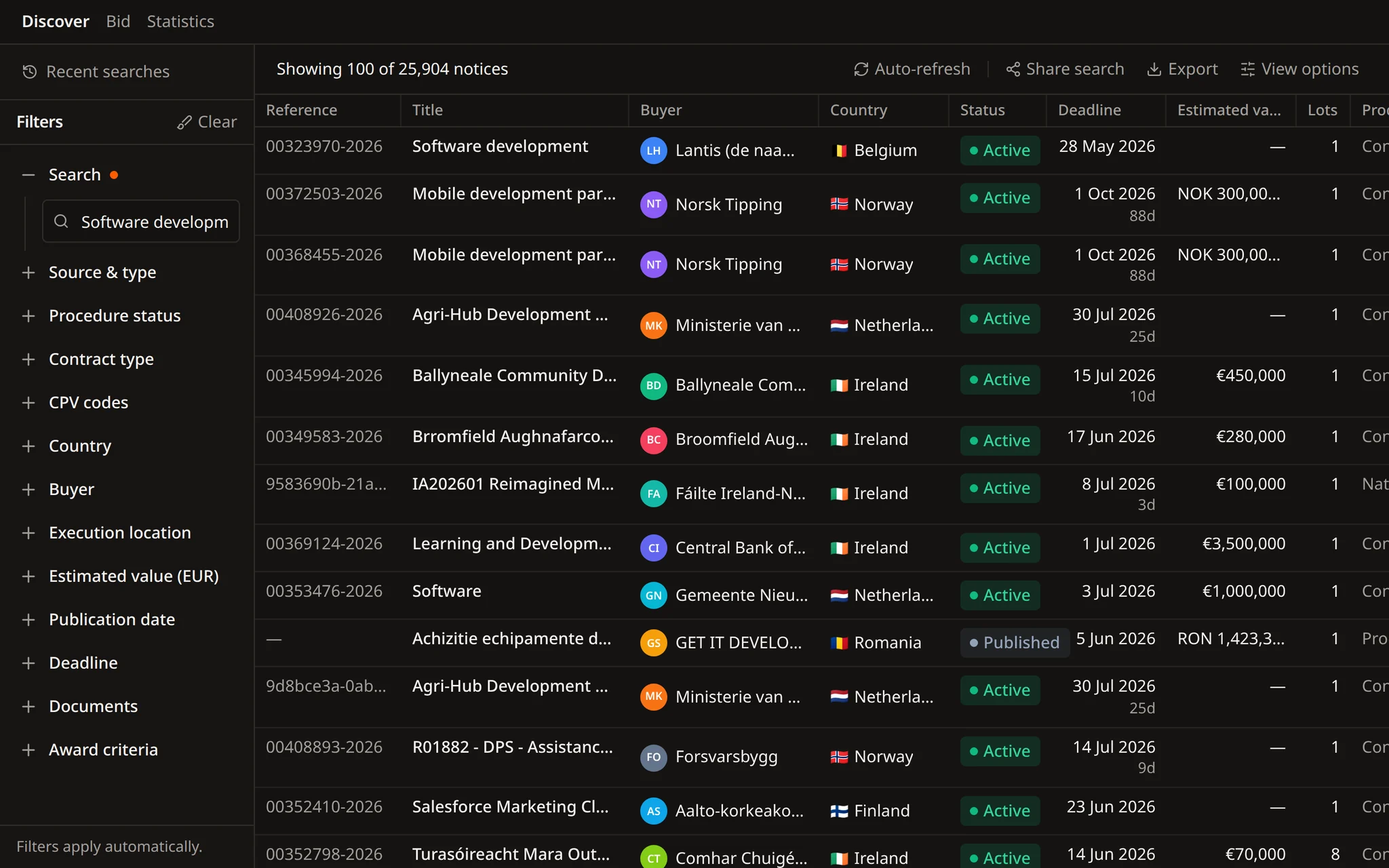
Rules based on what buyers publish
Before you follow a contracting authority, ask Flow for its statistics: how many notices it publishes and under which codes.


Find opportunities, choose which ones to pursue, prepare the response, and track the deadline.
Search notices, buyers, and CPV codes. Save useful searches and keep deadlines in view.
Improve text, translate it, remove sensitive details, or fill a template, then review each change in the same Word file.
Get notified when a relevant tender appears. Check the details, keep deadlines in view, and decide what needs attention next.
 Alert rules
Flow, the Tendersight agent, turns a description of your market into alert rules, and changes or removes them when your focus shifts.
Rules are created only after you approve
The same filters as tender search
28+ sources across 27 EU countries
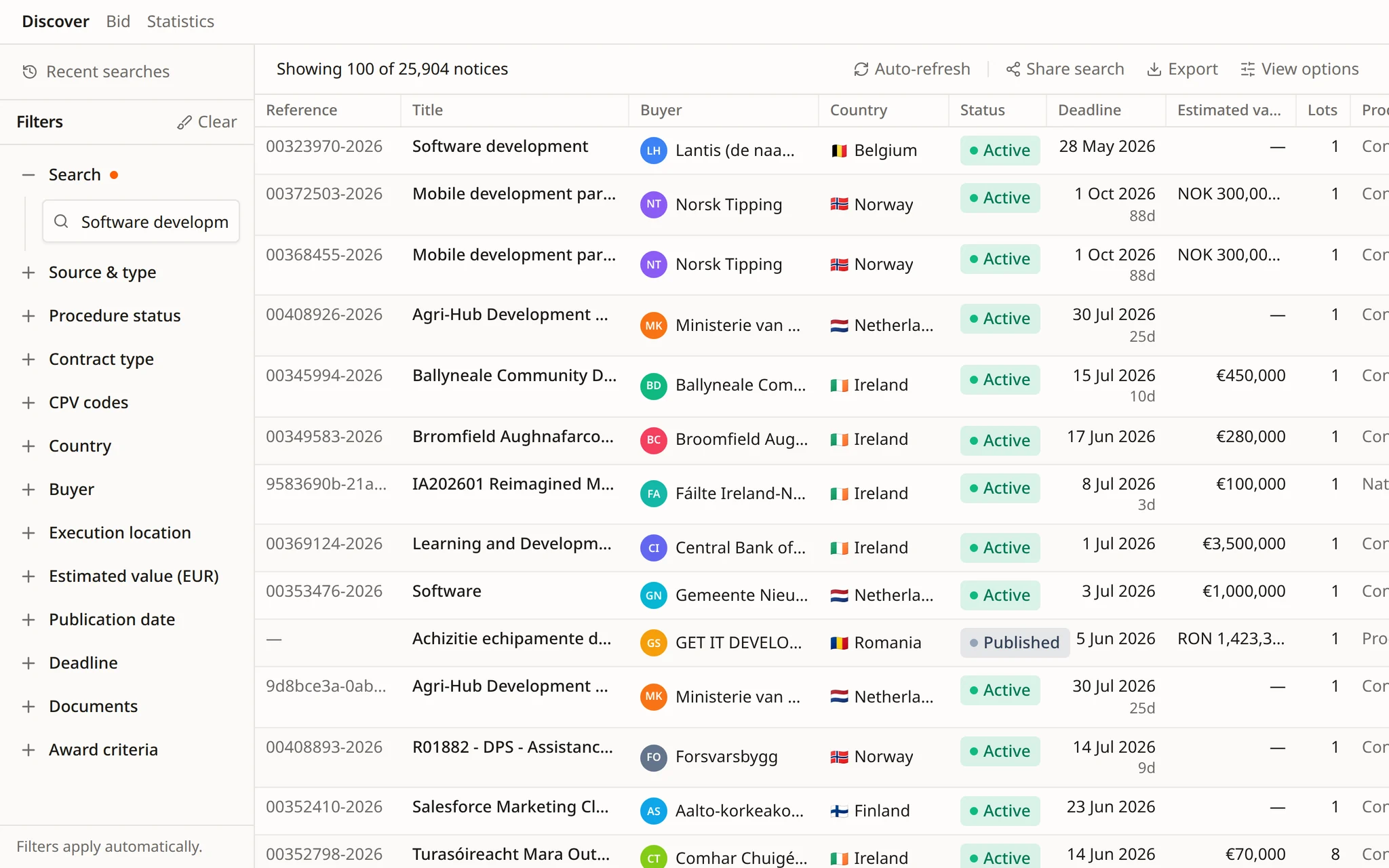
An alert rule is a search that keeps running.
Flow builds each rule from the same filters as a search, sets them out for you to check and creates the rule once you approve. Changing or removing it is one more request.
A rule that is too broad fills the list with notices nobody reads. One that is too narrow misses contracts. Each rule settles a few choices.
The codes for the work you deliver, across works, supplies and services.
Where you can perform the contract, down to a region or a city.
The estimated value below which a bid is not worth preparing, compared in one currency.
Buyers you already serve, followed on their own, whatever code they publish under.
Calls for competition that are still open, not every notice that mentions your trade.
Separate rules for separate countries or service lines keep each list short enough to read.
From a description of your market to a rule that runs, with every change waiting for your approval.
Describe your market in a sentence. Flow chooses the CPV codes, countries, value threshold and notice type, and shows each step.
Before anything is saved, Flow runs the same filters on recent notices, so you can see whether the rule is too broad or too narrow.
The codes, countries and threshold are set out in a confirmation card. The rule is created only after you approve it.
Open a notice the rule found and Flow reads its documents, answering with the quote and the page it relies on.
A scheduled task searches the same scope on the days you choose and summarises the relevant notices. Each run opens its own conversation.
Examples of requests from teams keeping their tender alerts up to date.
Create an alert for HVAC maintenance contracts in Belgium and the Netherlands above €250,000.
Add Luxembourg to the HVAC alert and lower the threshold to €150,000.
Create an alert for every new call for competition from the city of Rotterdam, whatever the CPV code.
Show our alert rules with their filters and point out the ones that overlap.
Delete the alert for cleaning services in Germany. We no longer bid there.
Every weekday at 07:30, summarise new HVAC notices in Belgium and the Netherlands with more than 21 days to the deadline.
Rules chosen from buyer data, set up across markets, passed to colleagues and kept under your control.
Before you follow a contracting authority, ask Flow for its statistics: how many notices it publishes and under which codes.
For a wider set-up, Flow writes a plan with one rule per market and waits for your approval before it creates any.
Creating, changing or deleting a rule shows a confirmation card first. Each approval is recorded in the thread.
Flow drafts the email with the notice and its deadline. It opens in your email client, and your team sends it.
Ask for the week's new notices as a spreadsheet. Flow lists each one with its source, marked as an internal working file.
In a demo we describe them to Flow, review the draft rules with your team and approve the ones you keep.
Market intelligence gives contracting authority and competitor statistics, so a rule starts from what buyers publish.
A saved set of search filters, such as CPV codes, countries, value range, notice type and contracting authorities, that Tendersight applies to newly published notices so you get an alert when one matches.
Yes. Describe what you want to follow and Flow drafts the rule. It can also update or delete rules in the same conversation. Every change shows a confirmation card and happens only after you approve it.
An alert rule is a set of filters for new notices. A scheduled task is an instruction Flow carries out on a schedule, such as a search every weekday at 07:30 with a summary of the relevant notices. Each run opens its own conversation.
No. Describe the work in words and Flow chooses the CPV codes, then lists them in the confirmation card so you can correct them before the rule is created.
It does not create, change or delete a rule without your approval, and it does not send emails. Scheduled runs never delete anything; they propose deletions in the run summary instead.
Start free and ask Flow for your first alert rule.