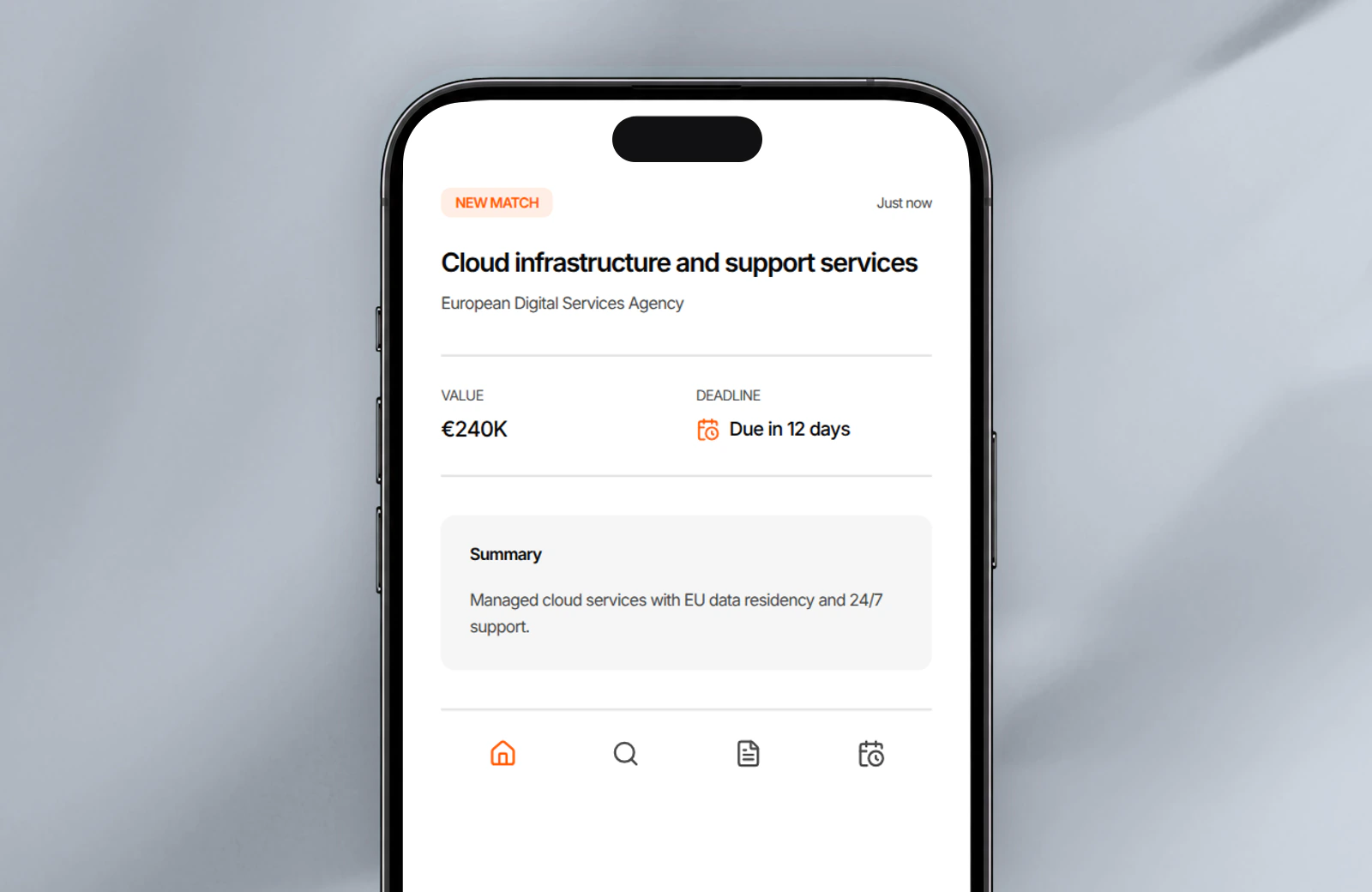
Get an alert when a tender matches.
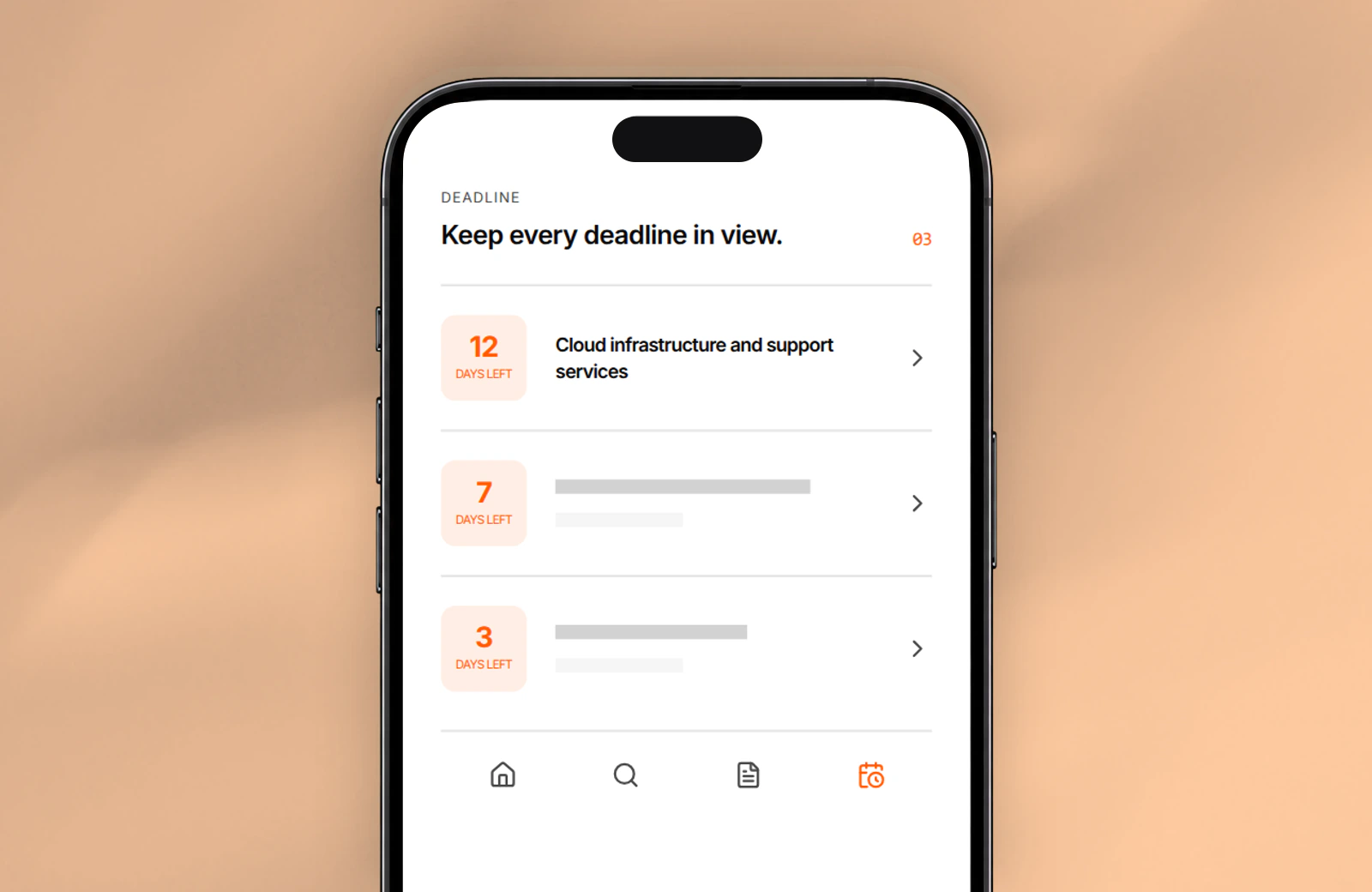
Tenders that match your saved search appear in one list, with the deadline already visible.


Find opportunities, choose which ones to pursue, prepare the response, and track the deadline.
Search notices, buyers, and CPV codes. Save useful searches and keep deadlines in view.
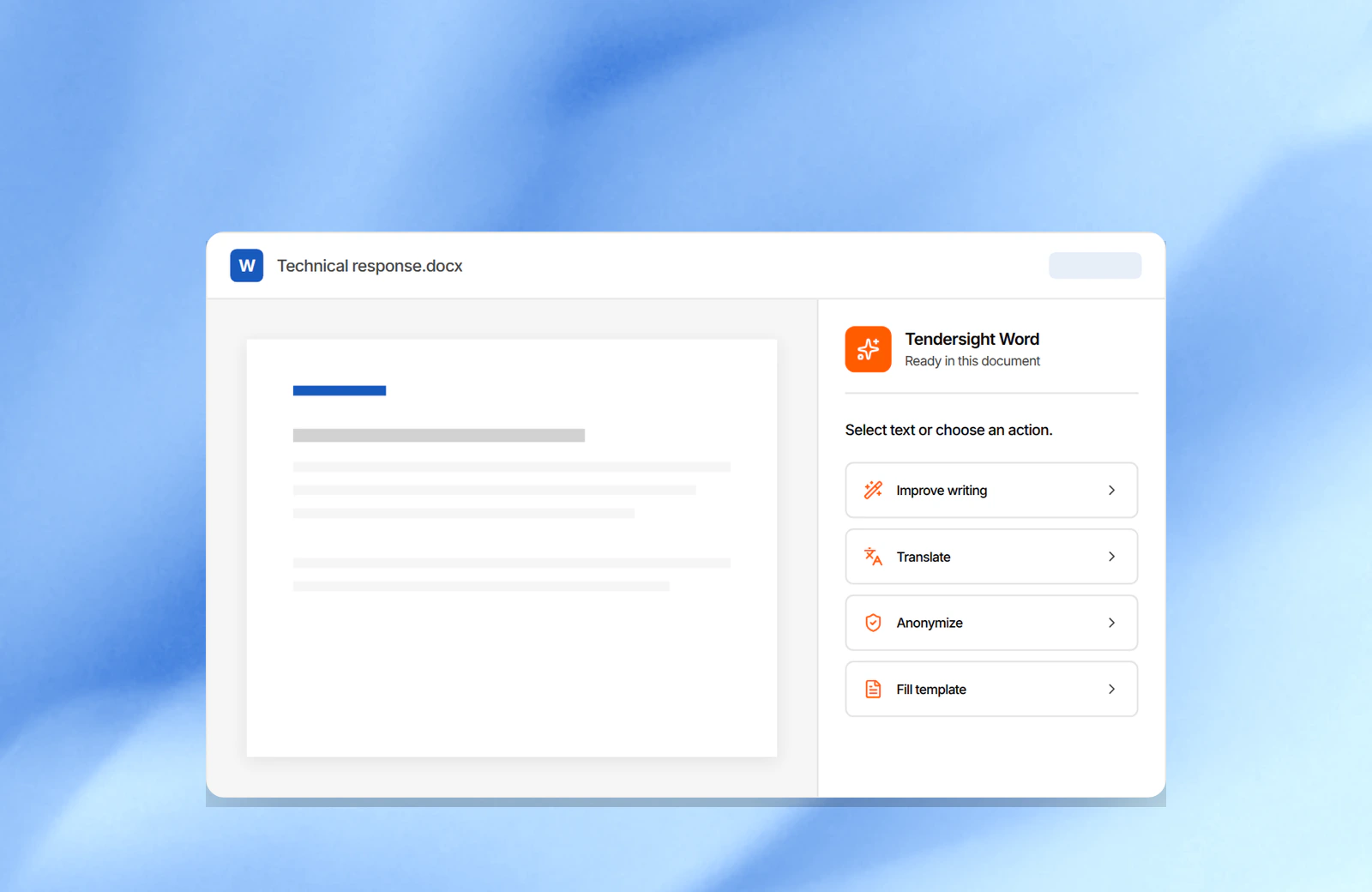
Improve text, translate it, remove sensitive details, or fill a template, then review each change in the same Word file.
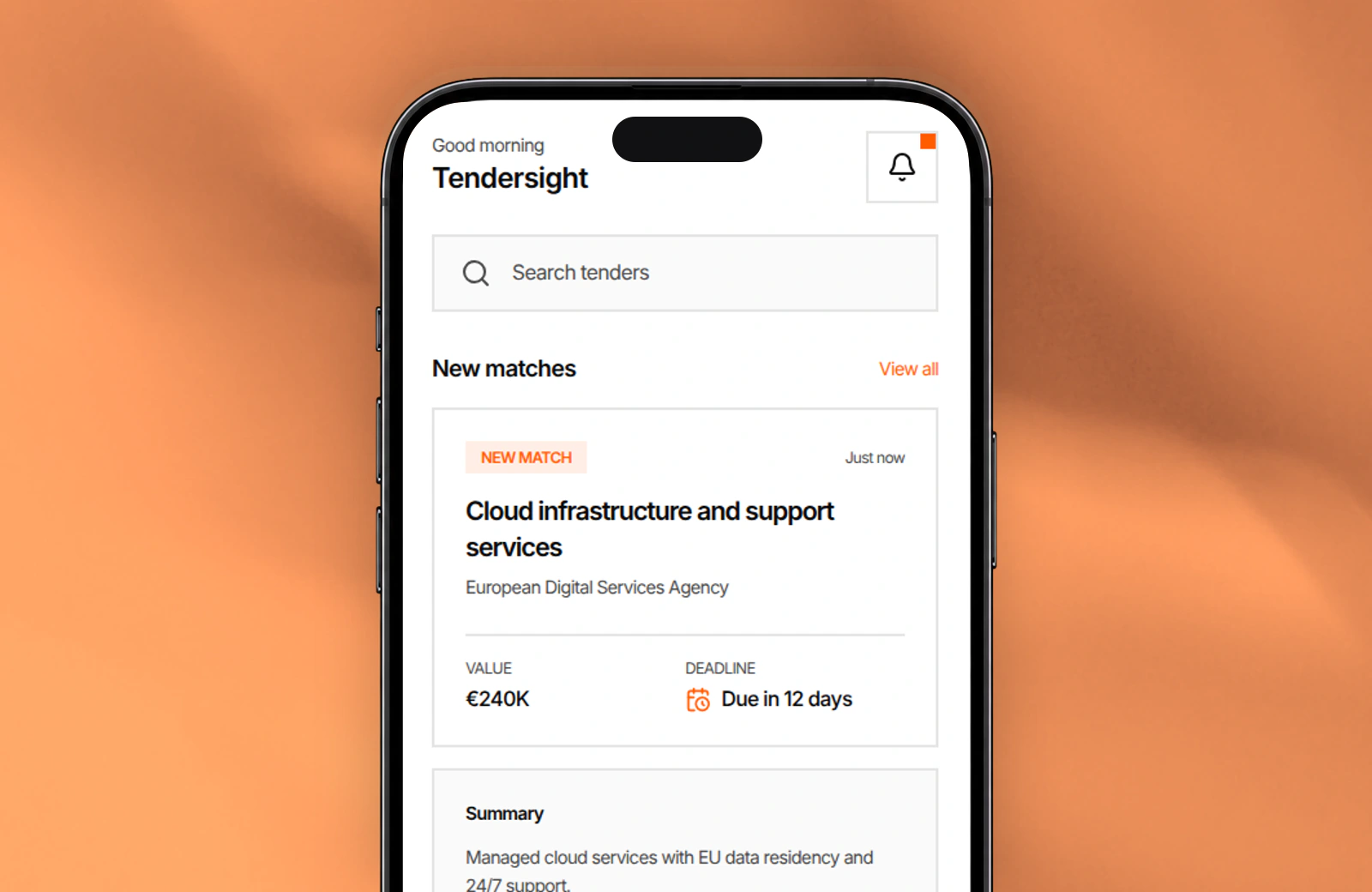
Get notified when a relevant tender appears. Check the details, keep deadlines in view, and decide what needs attention next.
Get an alert when a tender matches your saved search. Check the buyer, value, summary, and deadline from your phone before deciding whether to open the full notice.
Alerts from your saved searches
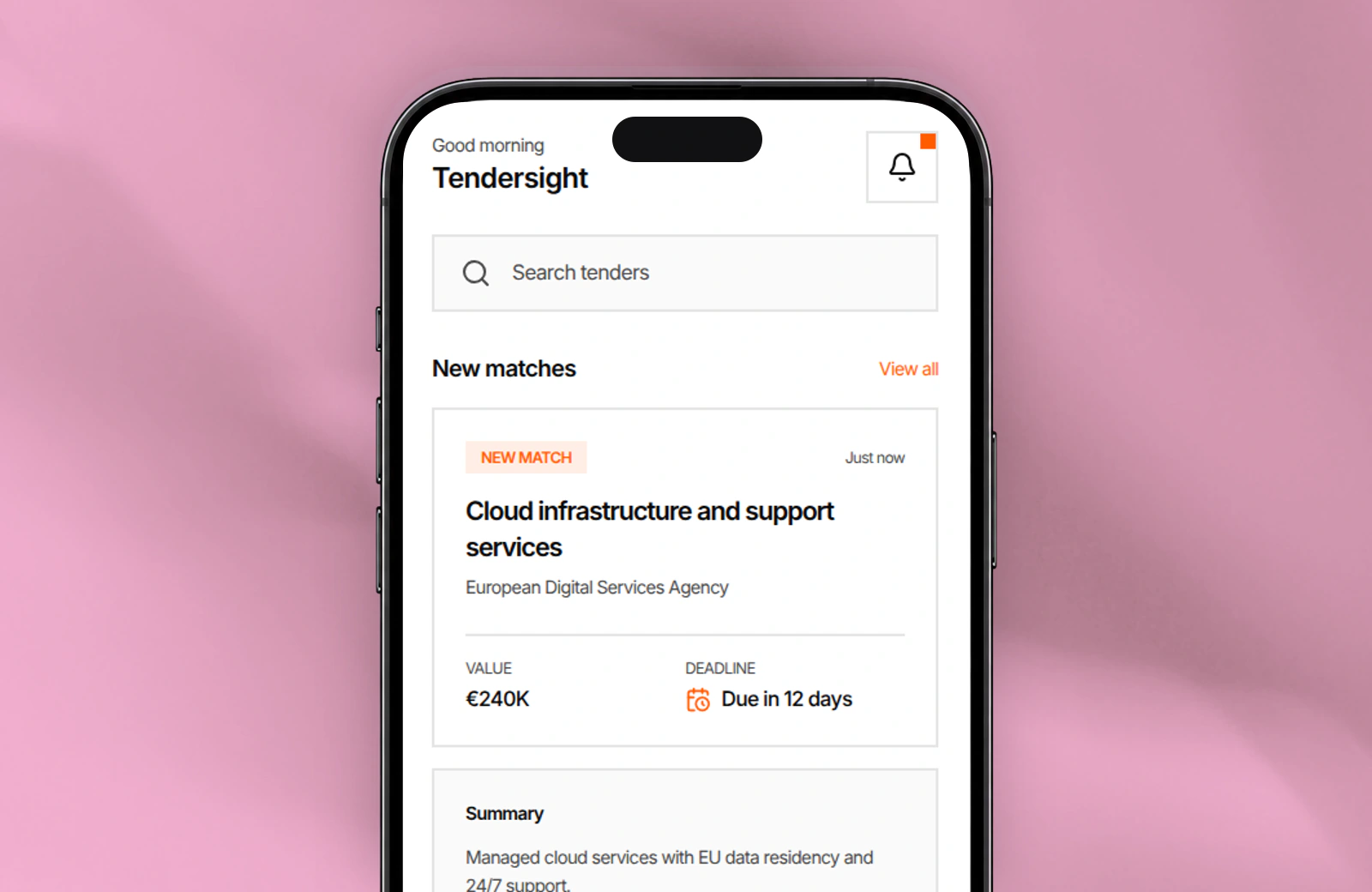
Mobile gives you the information you need to decide what deserves attention now.
See new matches and their main details. Search in everyday words and check how much time is left.
Tenders that match your saved search appear in one list, with the deadline already visible.
Describe what you need in plain language and review the matching opportunities.
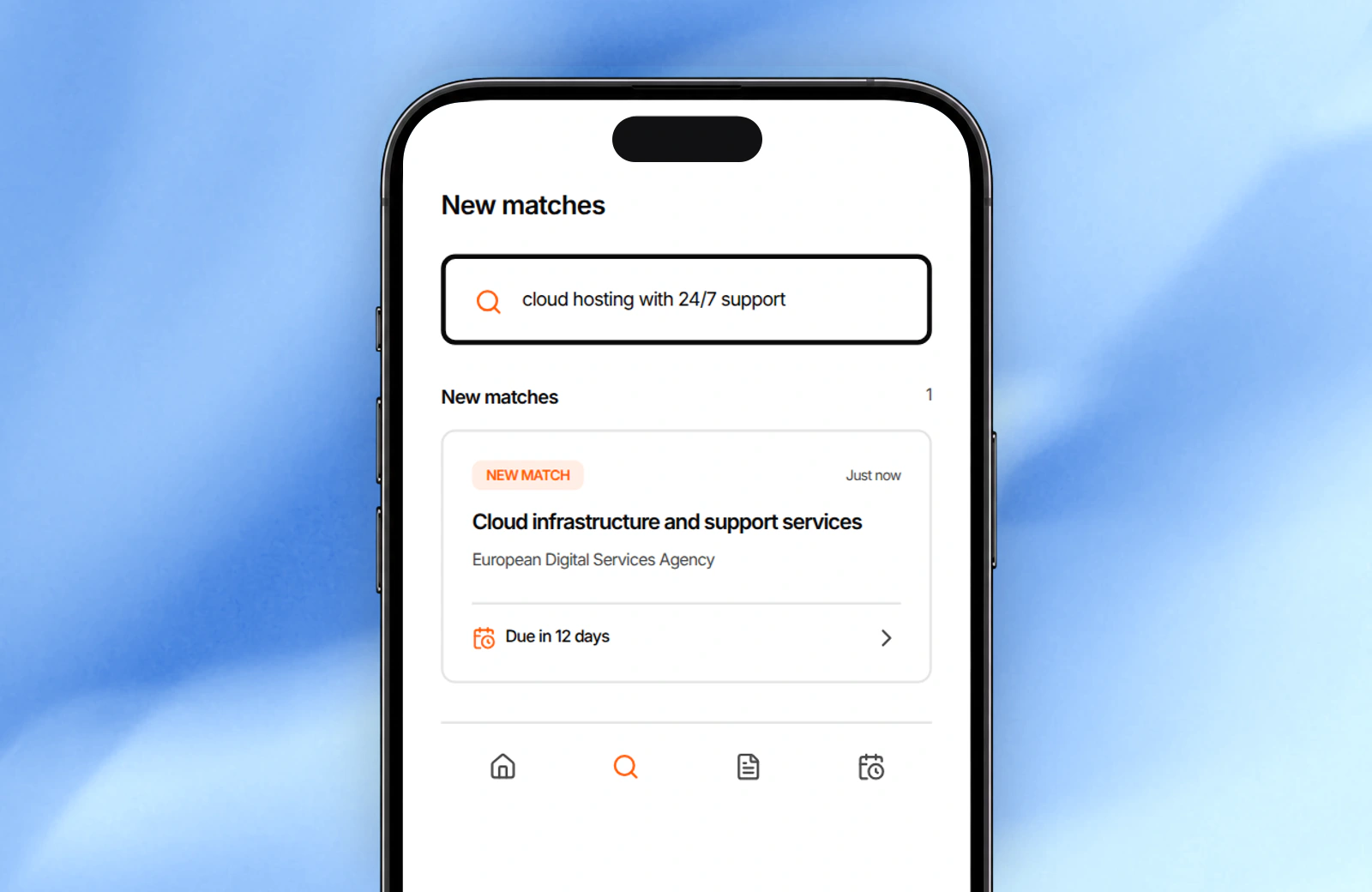
Each match shows its deadline, so you can decide what needs attention first.
Keep the opportunity, owners, documents, and deadline together.
Prepare the tender document and review every suggested change in Word.
You can see the tender title, buyer, value, short summary, and deadline.
Yes. Describe what you need in everyday words and review the matching tenders.
Mobile is for finding and assessing tenders. Prepare the full response in Tendersight Platform or Word.
Get notified when a relevant tender appears, check the essential details, and decide what needs attention next.

